¶ What is a dashboard?
A dashboard is a way of displaying various types of visual data in one place. Usually, a dashboard is intended to convey different, but related information in an easy-to-digest form.
Thingin's dashboards are made of one or more tabs, grouping one or more widgets (see bellow).
Dashboards are personal and can't be modified by other users. They can be public or private. Only administrators can create dashboards.
A user can only see his dashboards and public dashboards of other users.
A user can only modify his dashboards.
An administrator can duplicate any dashboard and then modify his copy.
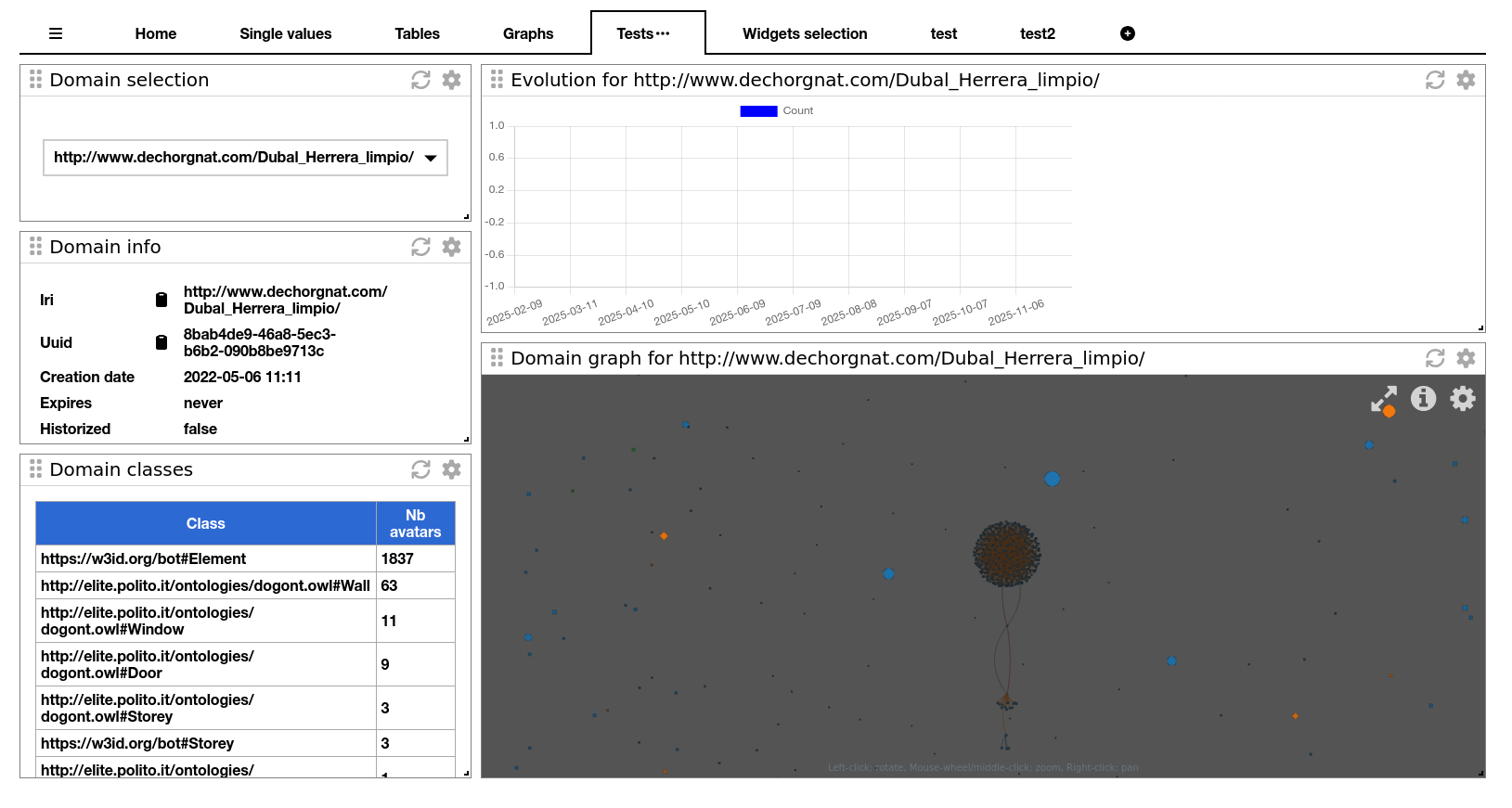
¶ What are widgets?
Widgets are the components that we can find in a tab of a dashboard.
There are different types of widgets: for different visualizations (graph, table, value, specific information) and for variable selection…
¶ Variable selection widget
In a dashboard, we can use variables to make widgets more dynamic. By example, we can set a variable with the iri of a domain, and reuse this variable to make request in other widgets.
Variable selection widgets are dedicated to set those variables. There are also a few types of variable selection widgets:
- free text for string variables,
- date,
- value from list of values.
In a variable selection widget configuration, you must set the variable name (unique in a dashboard) and starting with the character $ (example: $my_domain_iri).
In other widgets, this variable will be used with {{$variableName}} in widget titles and/or requests.
¶ Value widget
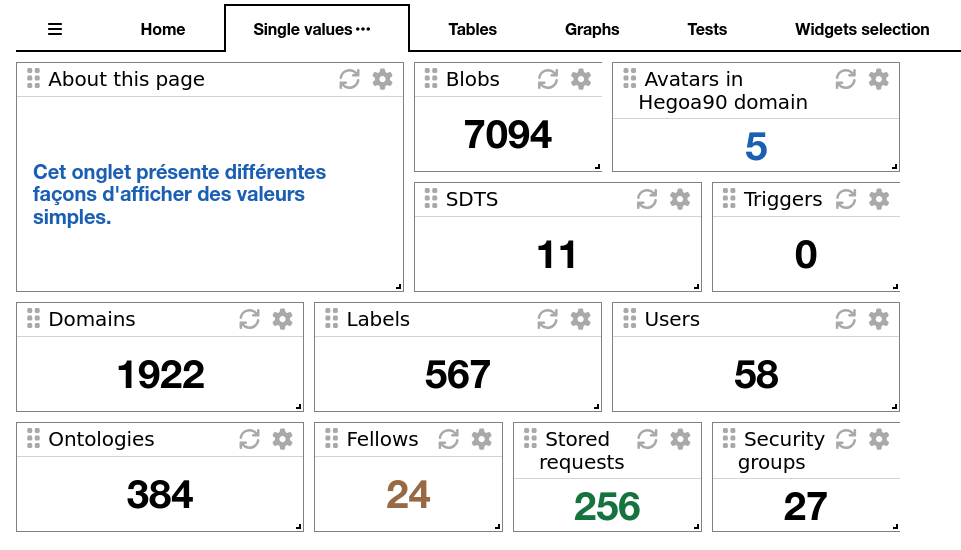
The value widget is the simplest widget, It can only show a unique value.
The displayed value can have different origins:
- a constant value from the widget configuration,
- a value retrieved by calling a count API on blobs, domains, fellows, labels, ontologies, requests, securitygroup, sdts, triggers and users
You can configure text font size and color.
¶ Table widget
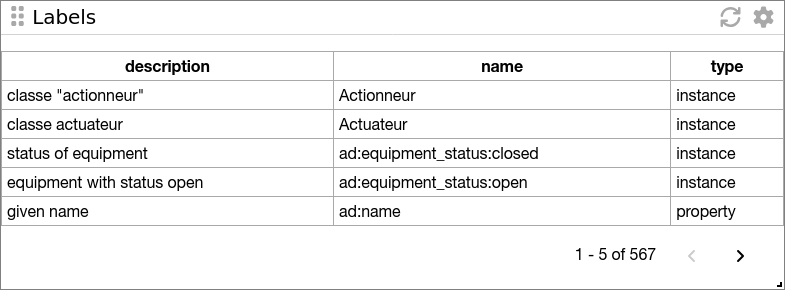
The table widget will show data in a table form.
Data are retrieved by calling an API on avatars, blobs, domains, fellows, labels, ontologies, requests, securitygroup, sdts, triggers and users.
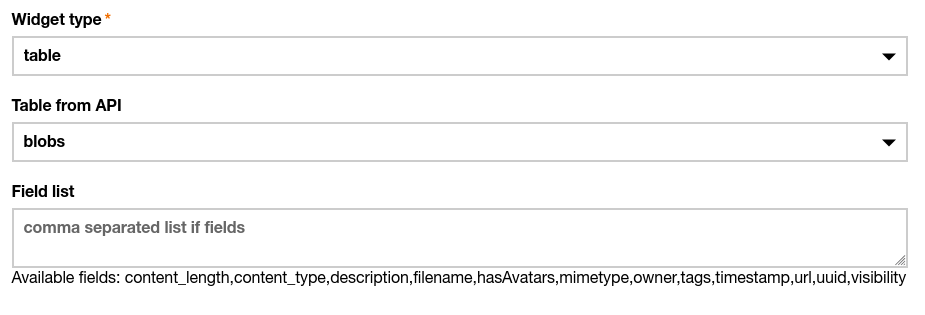
You can configure the list of the fields you want to show. If you don't know what they are, just let the widget display once and then, the list of all available fields will be displayed in the configuration window.
¶ Graph widget
The graph widget will show data using one of the Thingin's visualizations.
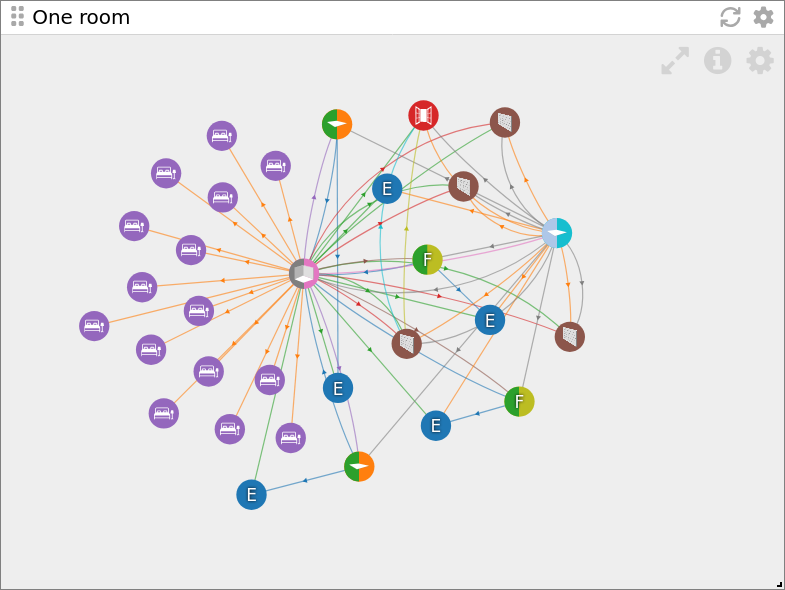
Data are retrieved by calling an API on avatars. You can write your own request payload and options or fill the request configuration fields with a pre-stored request.
The request payload can use one or more variables that were set in variable selection widgets.
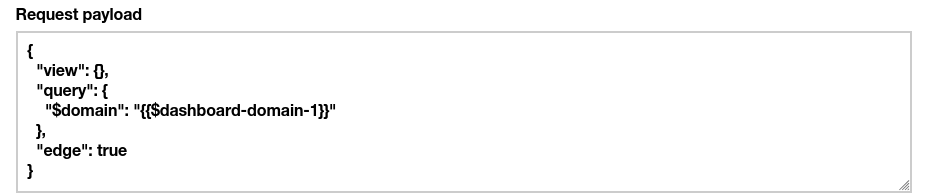
When calling The API to retrieve data, the headers “Use-cache” and “Cache-TTL” can be set if they are set in the widget config. By the way, if the widget is refreshing, those cache headers will not be used.
¶ Domain info widget
The domain info widget is a dedicated widget for displaying information on a domain.
It only takes one parameter in its configuration, the domain iri: this can be a constant value or a variable name (starting with a $).

¶ Domain classes widget
The domain classes widget purpose is to display a table with all classes of a domain's avatars, and their count.
It only takes one parameter in its configuration, the domain iri: this can be a constant value or a variable name (starting with a $).
¶ Temporal count widget
The temporal count widget allows to display the evolution of the number of avatars of a domain through time. Obviously, the domain must be historized.
One parameter is the domain IRI: this can be a constant value or a variable name (starting with a $).
It makes several snapshots of the domains:
- the number of snapshots is a parameter
- the delay between snapshots is the other. It is expressed in days
¶ Common widget behaviors
¶ Auto refresh
You can configure widgets to be refreshed regularly or not.
A delay in seconds will define this behavior: 0 means no refresh, something over 0 will define the delay between two refreshes. A minimum delay of 30s will be forced for values under 30.
¶ Manual refresh
Widgets have also a "refresh" button in their header to manually refresh their content.
¶ Variable in titles
You can use variables in widget titles.
